01
Daily work logs, automatically organized
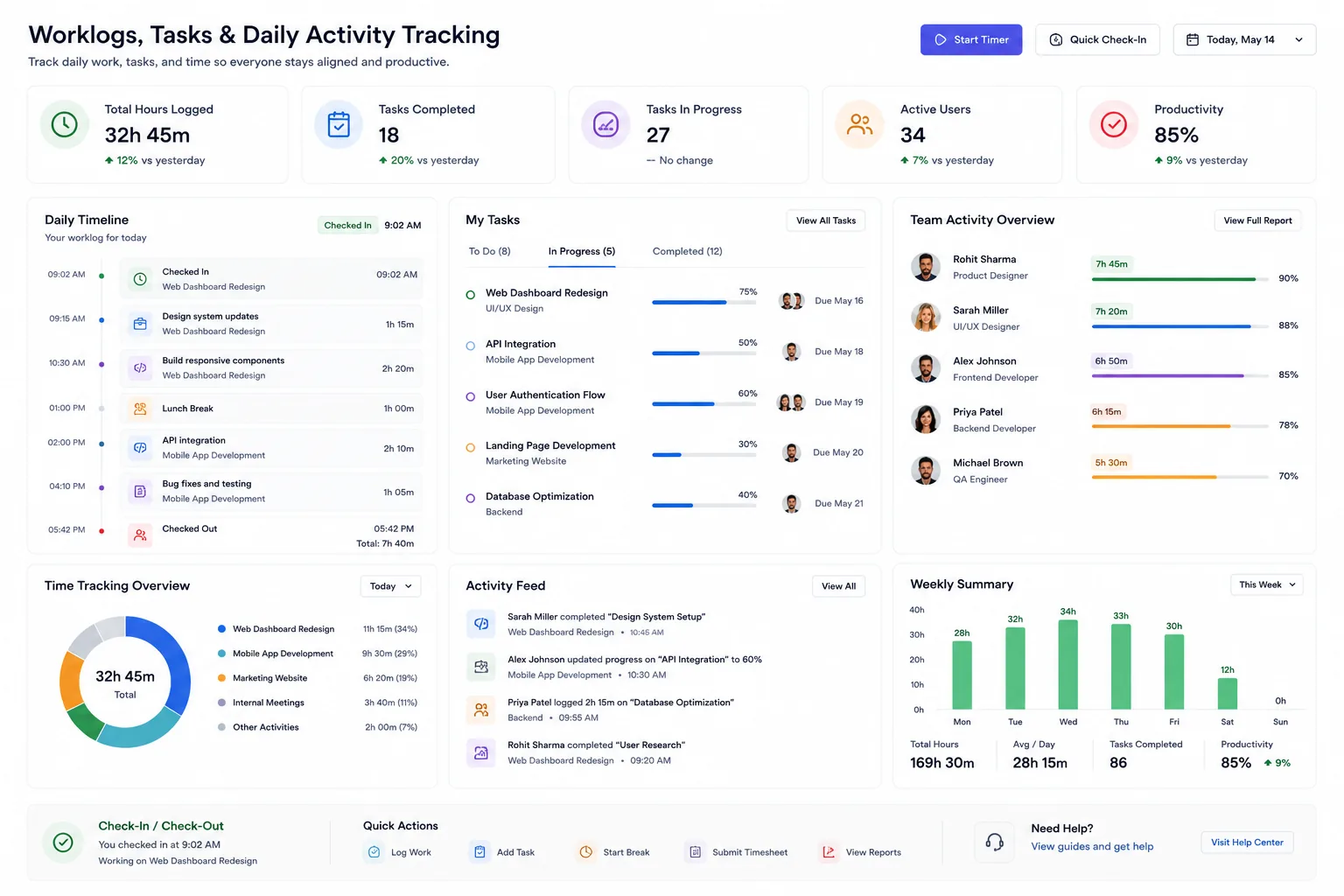
CrewForge turns daily work logs into a searchable timeline of activity per person and per project, so managers and founders always have visibility.
- Daily work logs per employee
- Task and activity tracking
- Work-history timeline
- Productivity insights from real data
02
One place where the day comes together
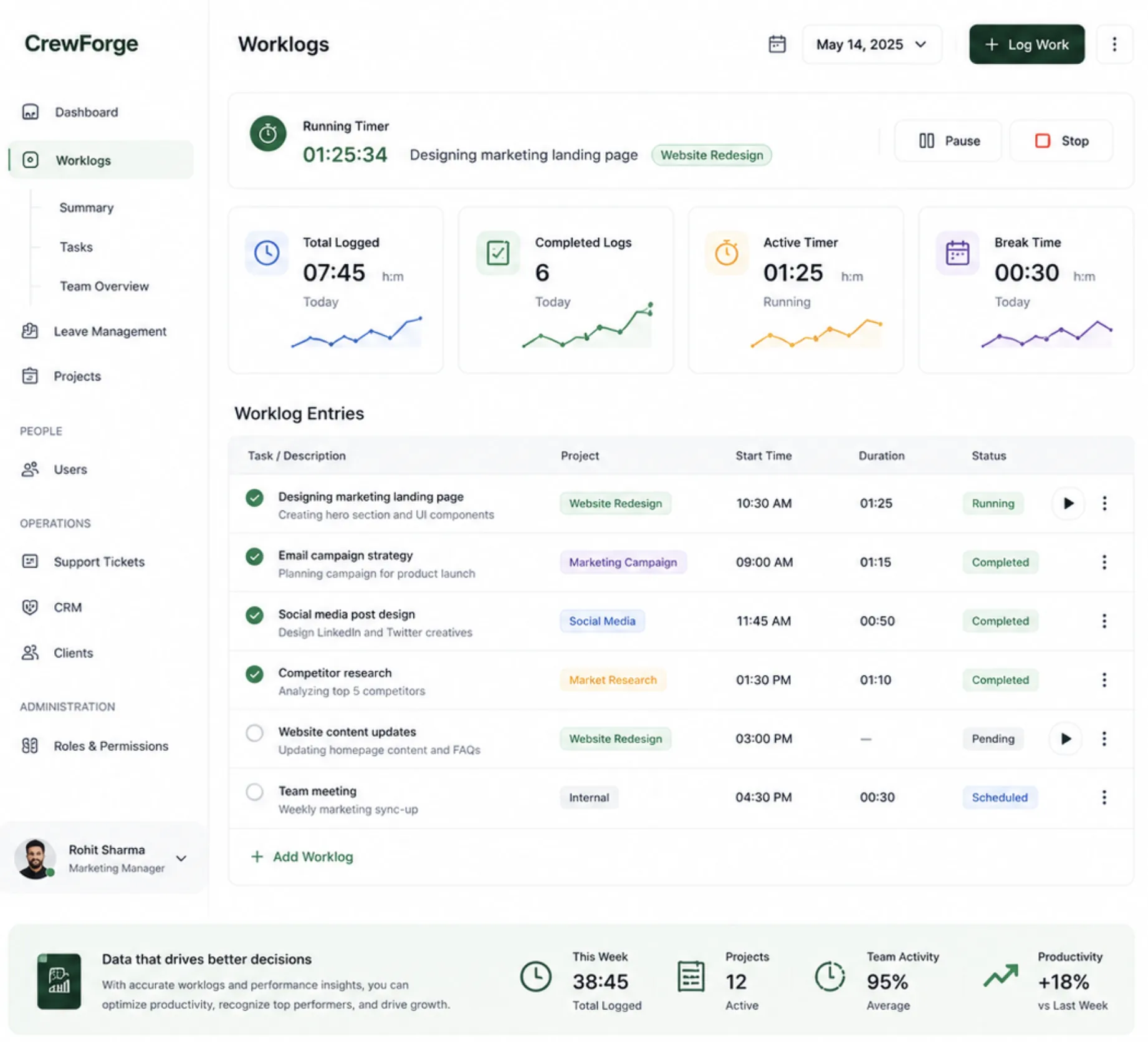
Check-in pulls in the work that matters, project tasks, sprint tasks, support tickets, and CRM follow-ups all land in the same daily worklog, so nobody re-types what they are doing.
- Check-in / check-out tied to the day's work
- Sprint tasks, tickets, and CRM reminders flow in
- Time tracked against projects and tasks
- Feeds performance reviews with real data
03
Built for retainers and shared work
Retainer clients need an account of every hour. Mark a project as a retainer and CrewForge requires a description and duration on each of its work items before checkout, so the monthly report writes itself.
- Retainer projects enforce per-item descriptions at checkout
- Duration presets from 15 minutes to 6 hours
- Share a work item with a teammate; it lands in their day
- Schedule items for future days; they appear on check-in
Built for retainers and shared work in CrewForge
feature-worklogs-3 · 1600×1000