The problems that pile up as you grow, solved in one place
Most software companies stitch together a dozen tools and still lose the thread. Here is what quietly breaks as a team scales, and how CrewForge handles each one.
Your people
Bring your whole team into one place
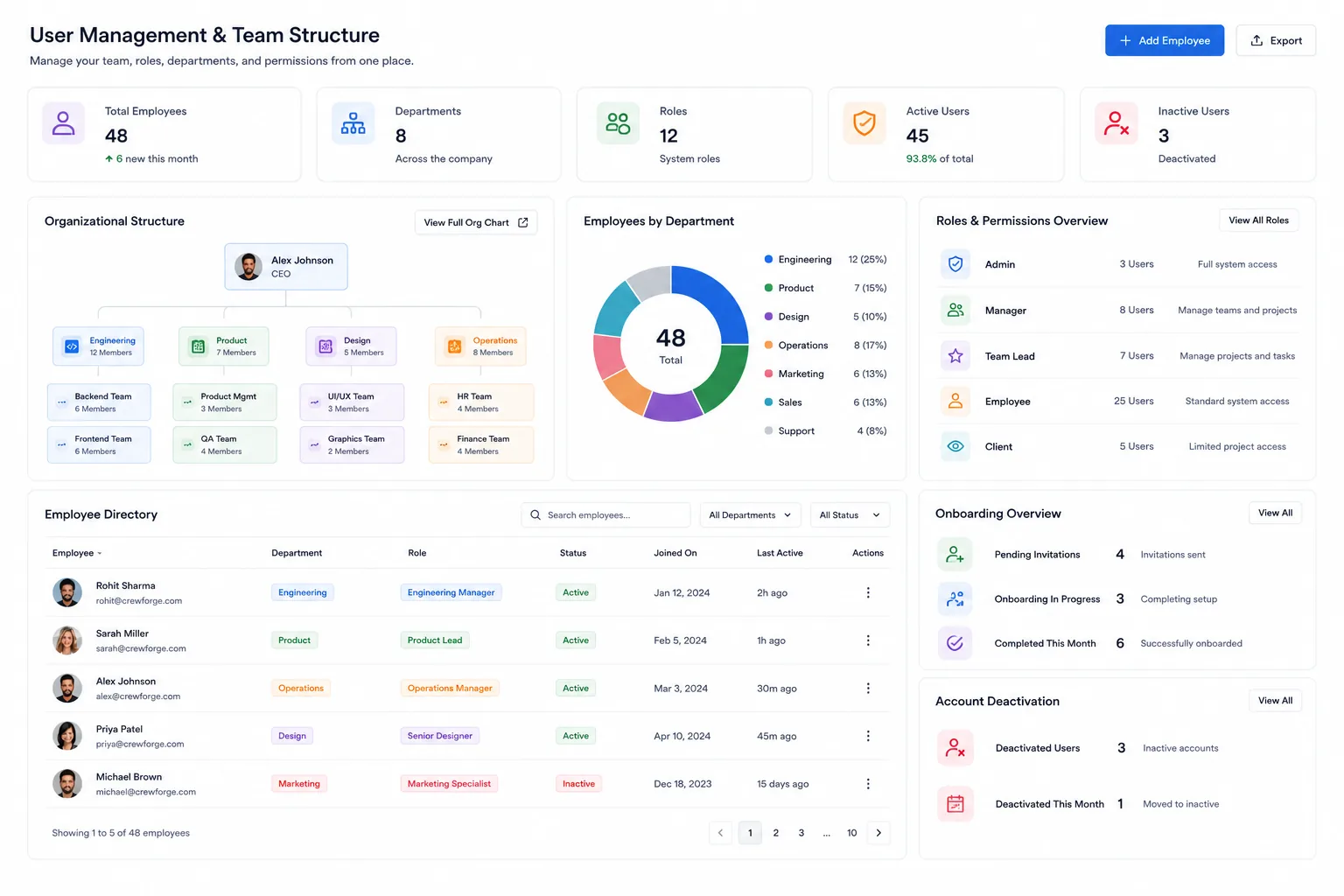
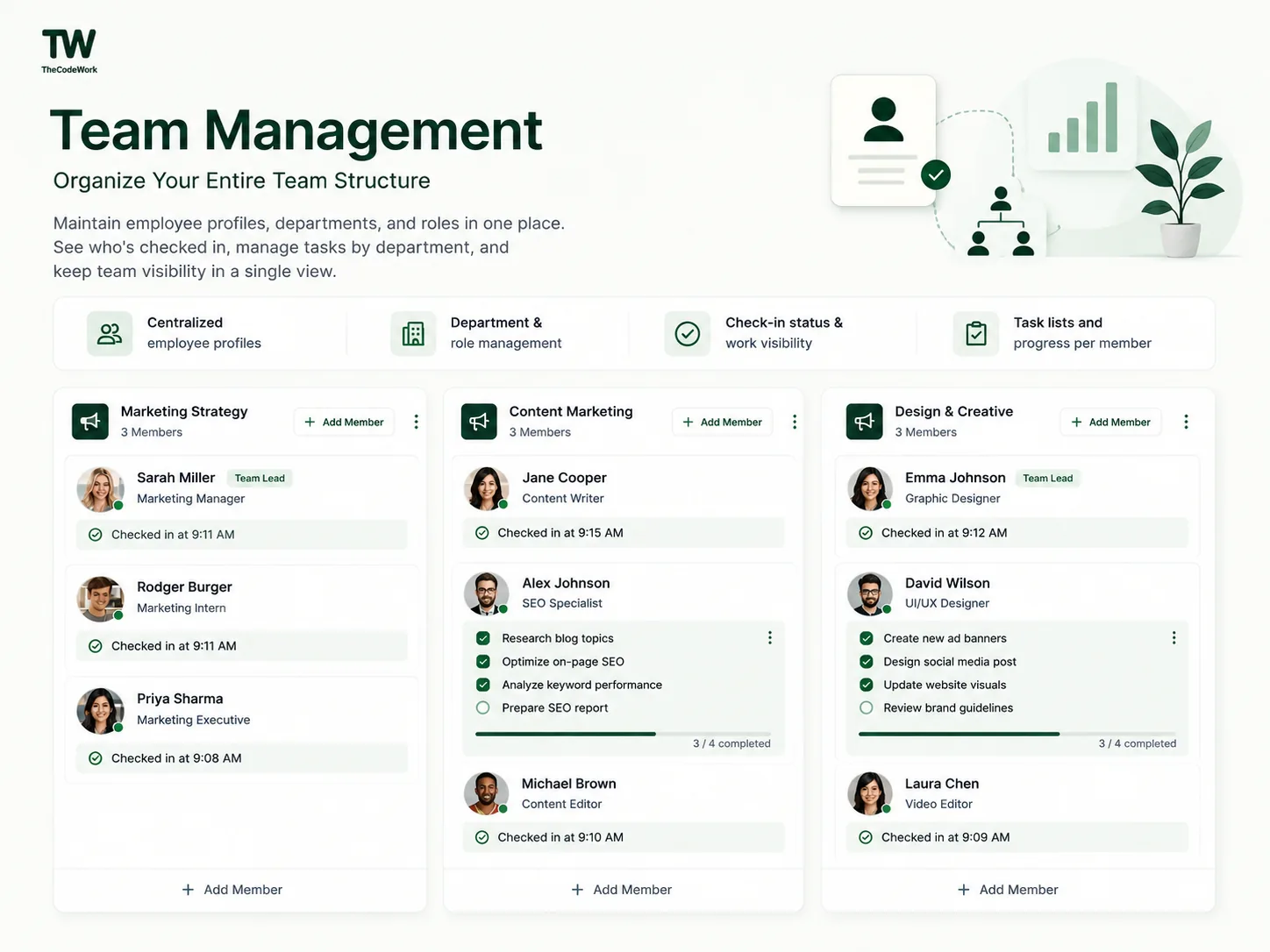
Everything about a person, records, roles, and history, in a single directory instead of scattered files and chats.
-
One profile per person: records, documents, roles, and history in a single directory.
Instead of: employee information is scattered across emails, spreadsheets, documents, and tools.
-
Repeatable onboarding so every hire gets the same steps, accounts, and access from day one.
Instead of: onboarding repeats the same manual work every time a new hire joins.
-
Role-based access control: assign a role once and the right permissions follow the person.
Instead of: roles, permissions, and access get harder to manage as the team grows.
-
Structured offboarding so access is revoked and knowledge is handed over every single time.
Instead of: offboarding is inconsistent and often misses access, assets, and handover.
Daily operations
See the work as it actually happens
A live picture of who is working, what they are doing, and what still needs to happen, without status meetings.
-
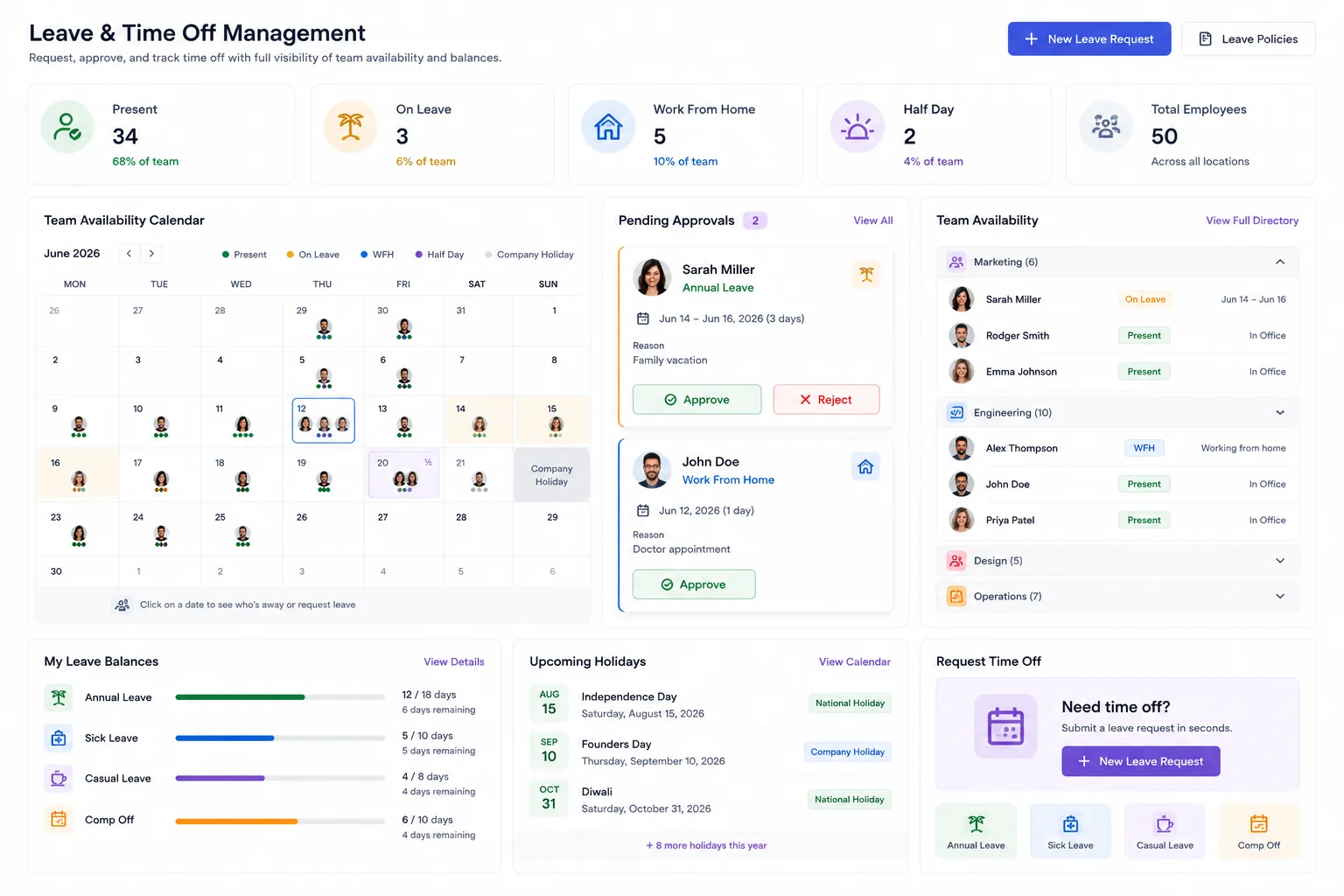
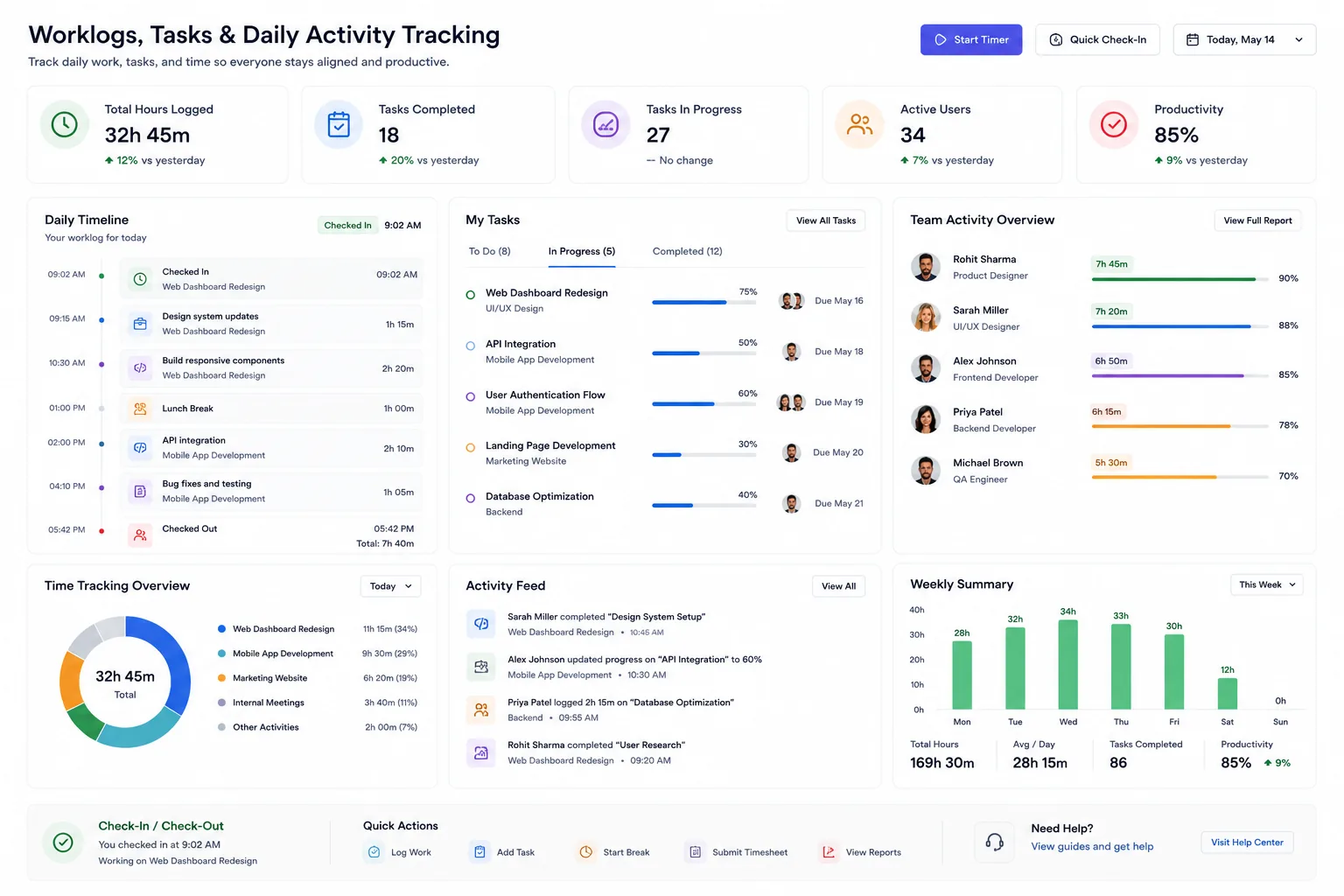
A live dashboard shows who is checked in, who is on leave, and who is available right now.
Instead of: managers have no real-time view of who is working, available, on leave, or offline.
-
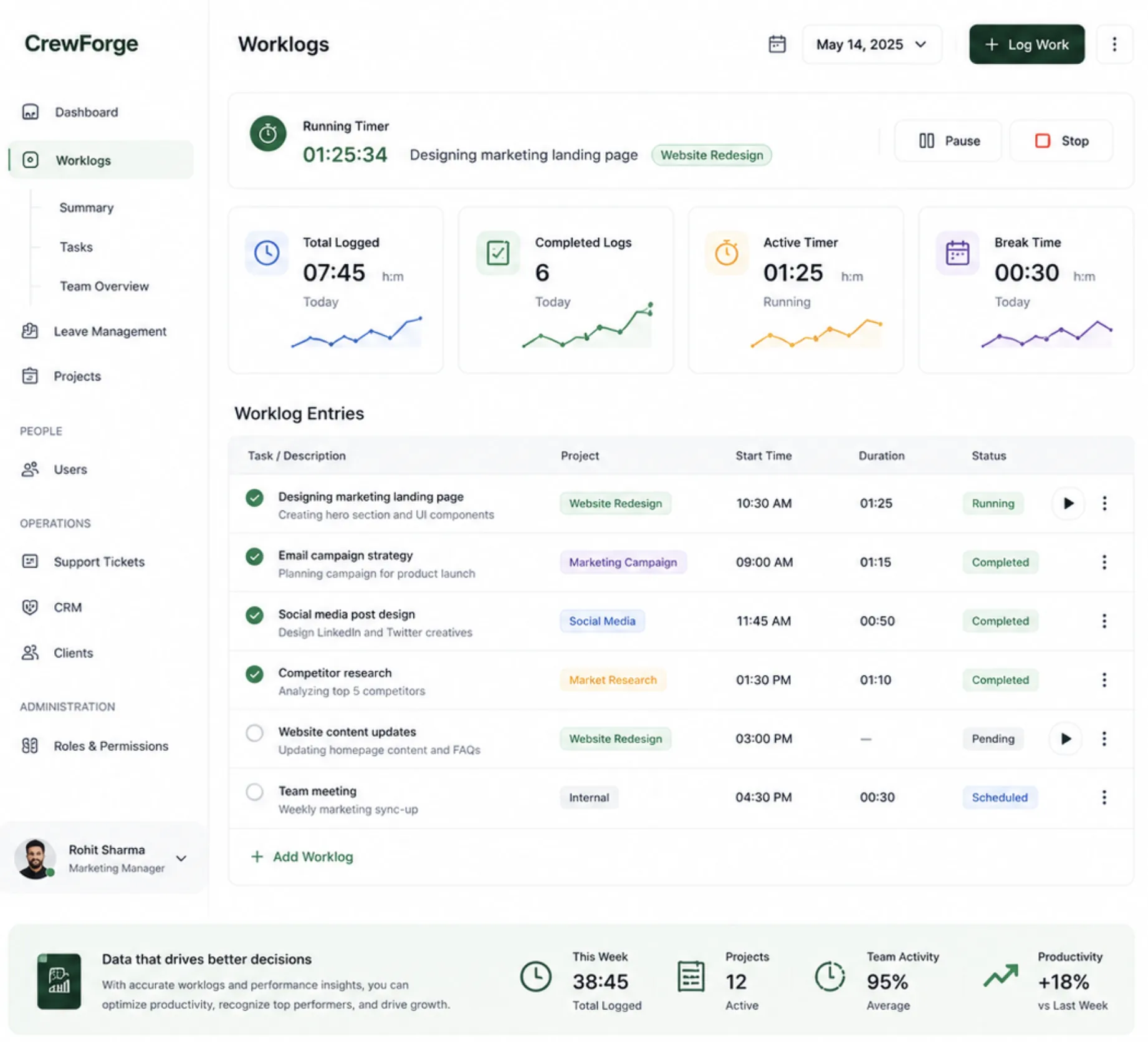
Daily worklogs turn scattered effort into a clear, shared record of what each person did.
Instead of: work is getting done, but there is no consistent view of what everyone is working on.
-
Personal to-dos and reminders keep every commitment visible until it is actually done.
Instead of: important daily tasks, follow-ups, and commitments are easily forgotten.
-
Capture outcomes and action items as tracked tasks tied to the people responsible.
Instead of: meetings happen often, but action items and outcomes are rarely tracked.
Projects & delivery
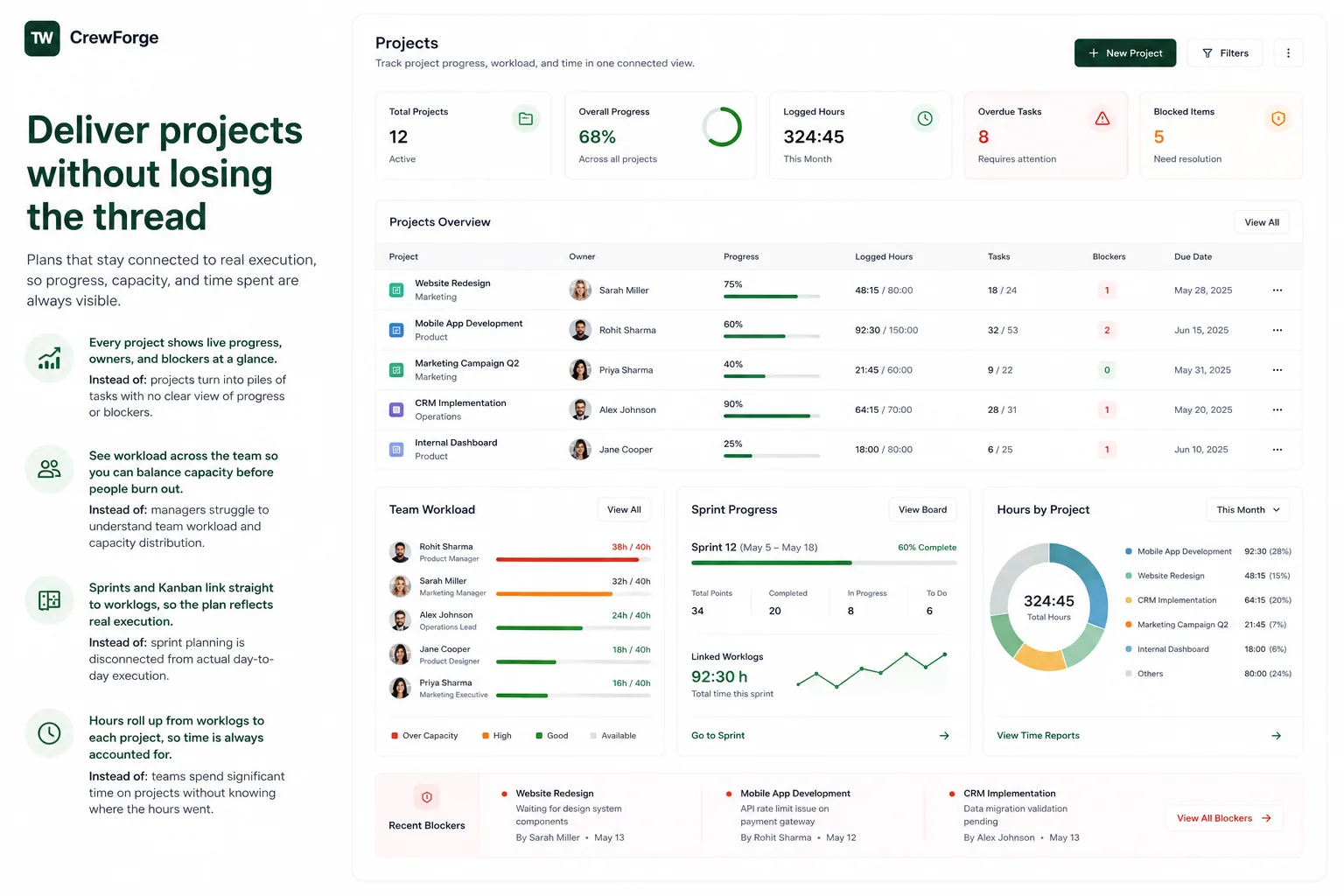
Deliver projects without losing the thread
Plans that stay connected to real execution, so progress, capacity, and time spent are always visible.
-
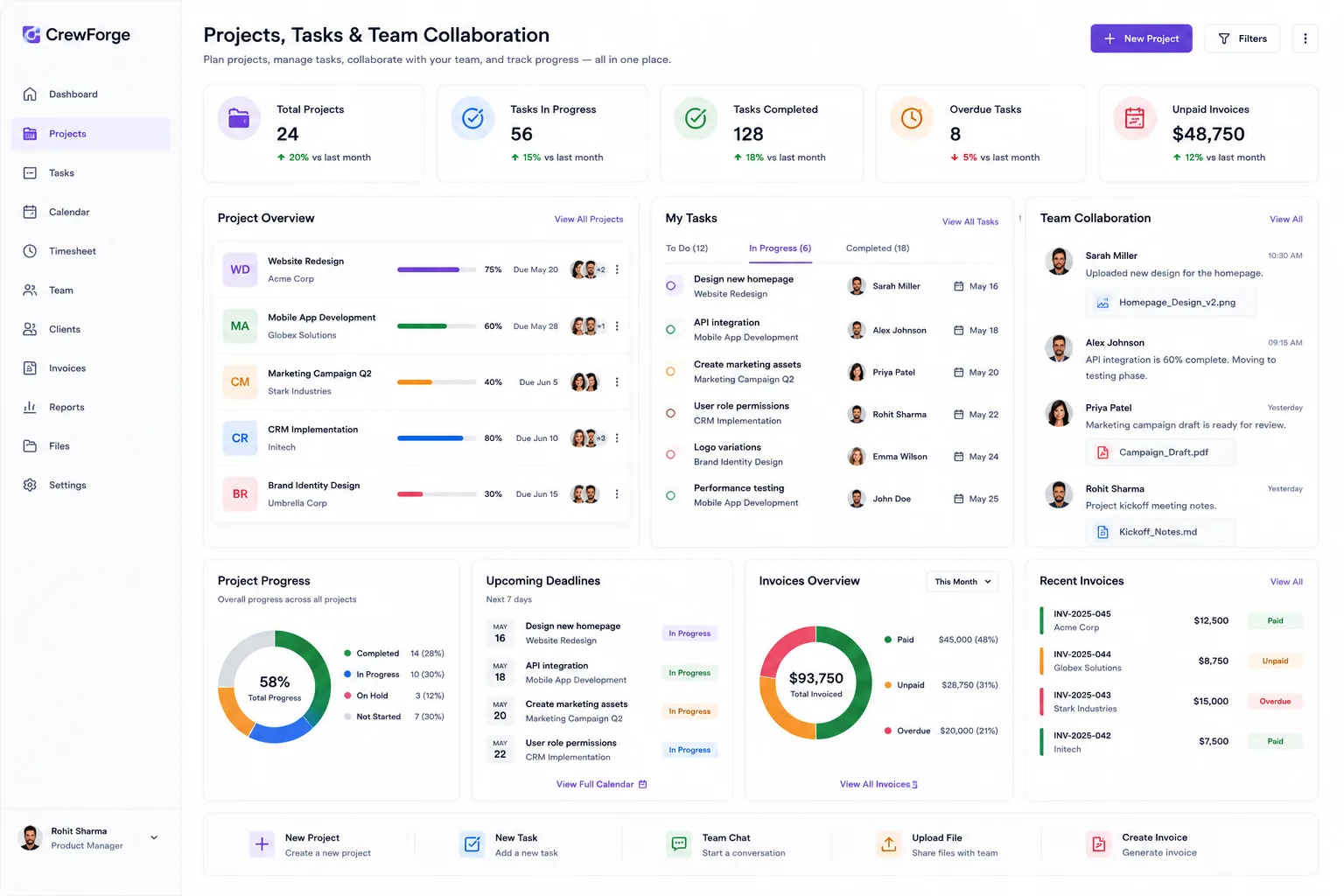
Every project shows live progress, owners, and blockers at a glance.
Instead of: projects turn into piles of tasks with no clear view of progress or blockers.
-
See workload across the team so you can balance capacity before people burn out.
Instead of: managers struggle to understand team workload and capacity distribution.
-
Sprints and Kanban link straight to worklogs, so the plan reflects real execution.
Instead of: sprint planning is disconnected from actual day-to-day execution.
-
Hours roll up from worklogs to each project, so time is always accounted for.
Instead of: teams spend significant time on projects without knowing where the hours went.
Clients & support
Win and keep your clients
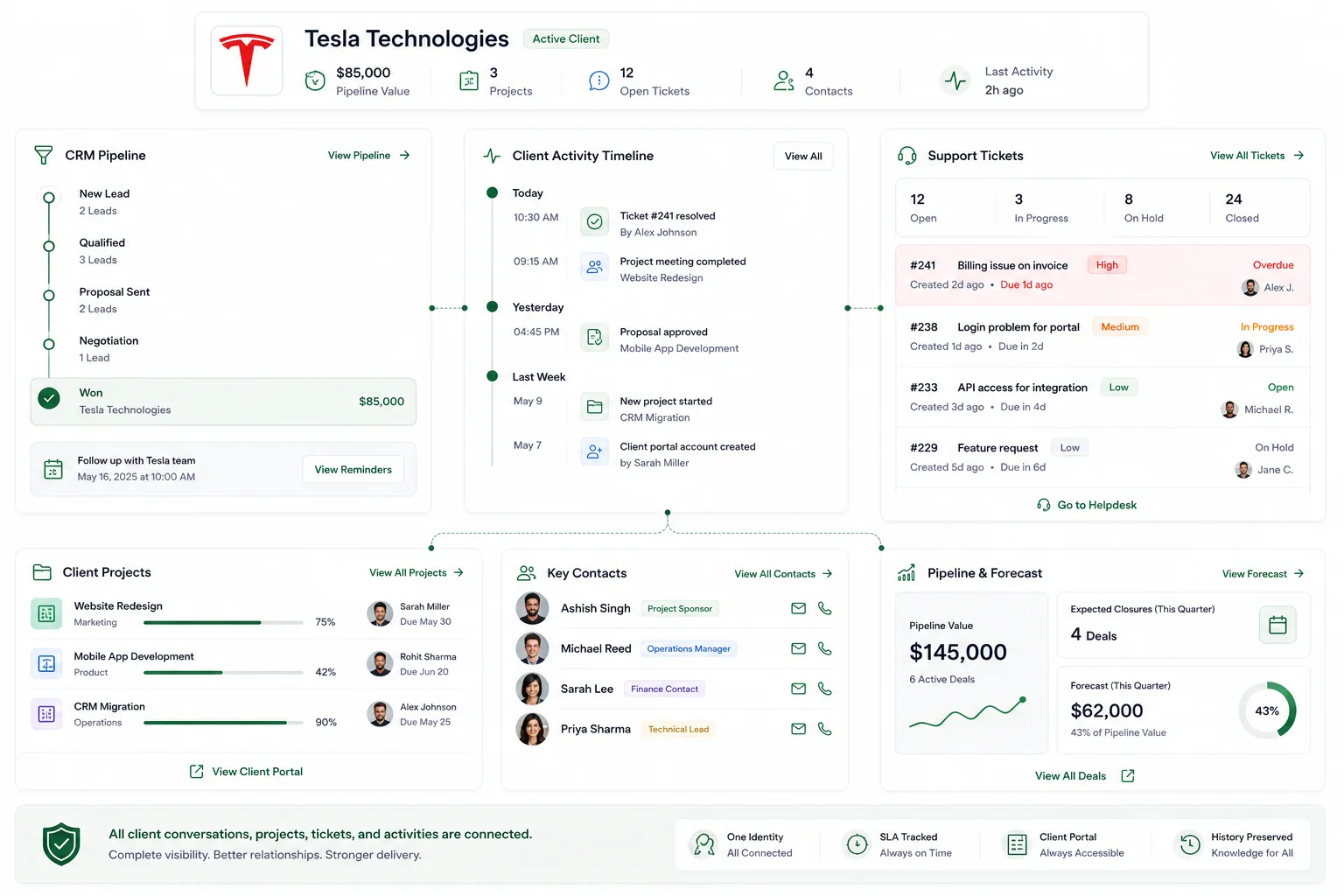
One identity for every client, lead, contact, ticket, and project, so nothing about the relationship gets lost.
-
One client record holds every contact, lead, ticket, and project. One identity, end to end.
Instead of: client communication is spread across emails, calls, chats, and personal messages.
-
A helpdesk with statuses, priorities, and SLA tracking makes sure nothing slips.
Instead of: customer support requests get lost, delayed, or forgotten.
-
A client portal lets them raise tickets and follow progress without chasing you.
Instead of: clients lack visibility into project progress and delivery status.
-
A CRM pipeline with reminders keeps every lead moving and nothing forgotten.
Instead of: sales leads are forgotten due to missed follow-ups and poor tracking.
-
Activity logs and shared records keep client history with the company, not one person.
Instead of: customer knowledge lives inside individual employees, not the organization.
-
A live pipeline gives you a real forecast from the deals actually in play.
Instead of: revenue forecasting is hard because pipeline data is incomplete or outdated.
Billing & profitability
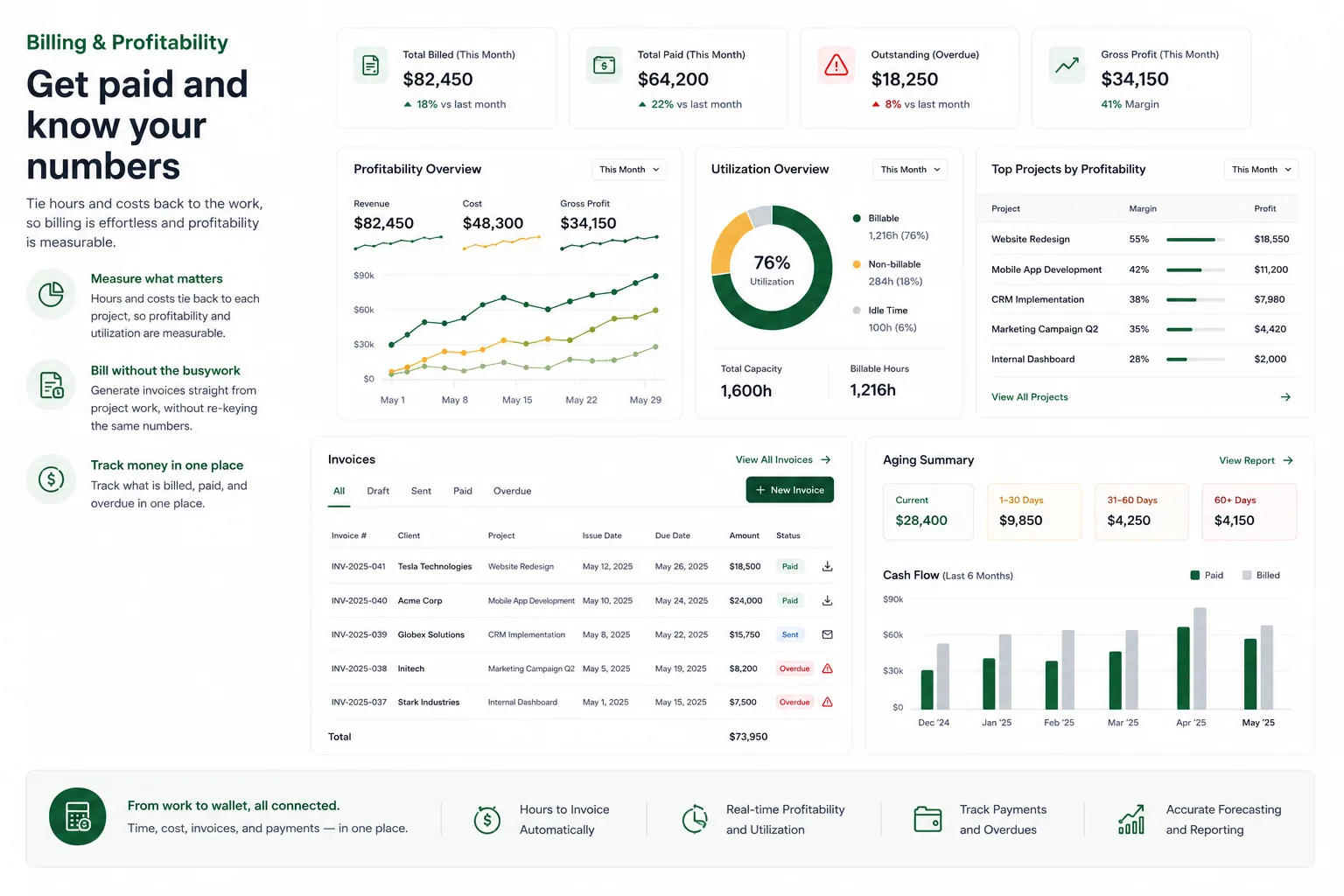
Get paid and know your numbers
Tie hours and costs back to the work, so billing is effortless and profitability is measurable.
-
Hours and costs tie back to each project, so profitability and utilization are measurable.
Instead of: teams cannot accurately measure project profitability and resource utilization.
-
Generate invoices straight from project work, without re-keying the same numbers.
Instead of: creating invoices and collecting payments takes repetitive manual effort.
-
Track what is billed, paid, and overdue in one place.
Instead of: outstanding invoices and client dues are difficult to track.
One source of truth
Run the company on data, not assumptions
People, work, clients, and revenue in one system, so leadership decides on real numbers and founders get their time back.
-
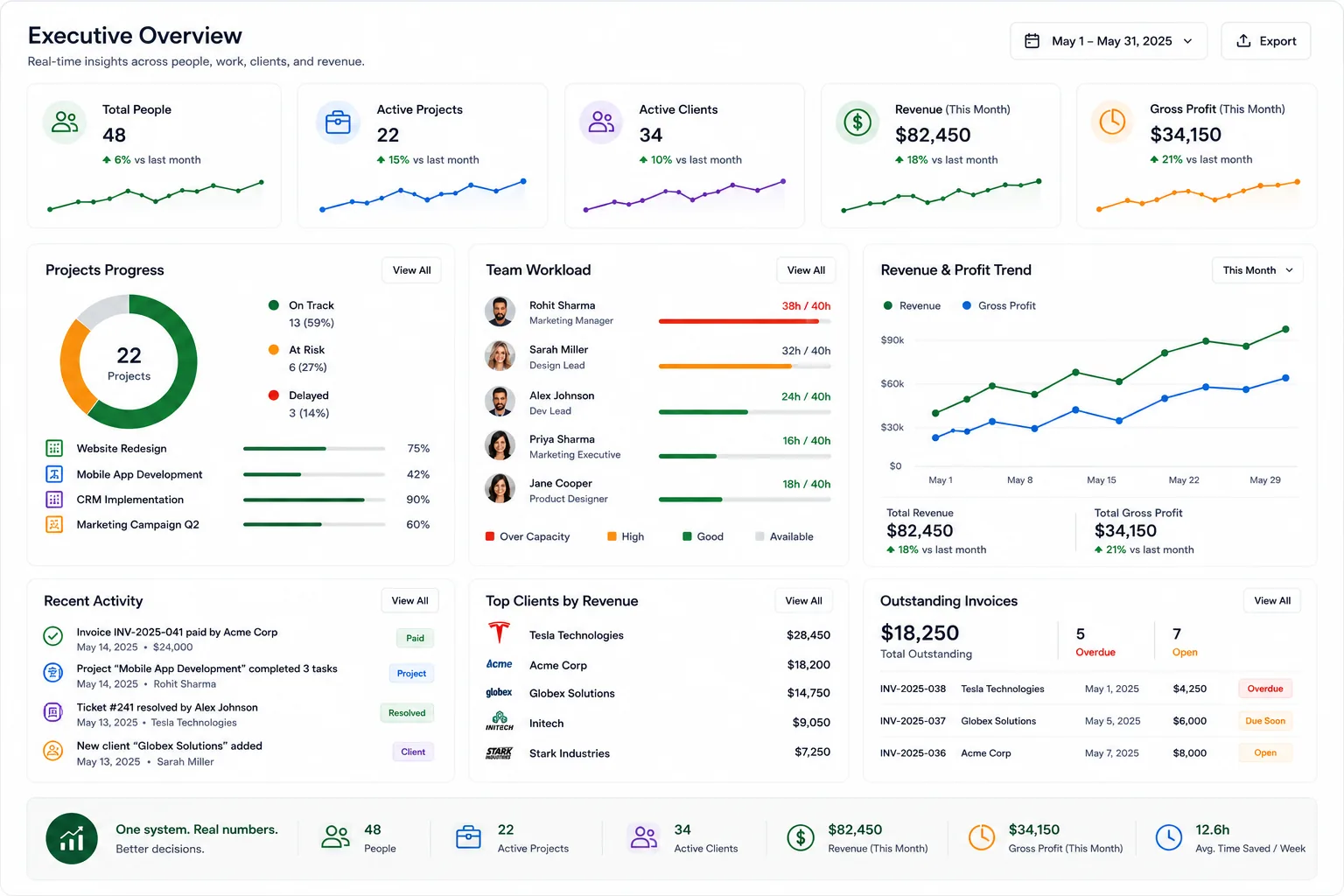
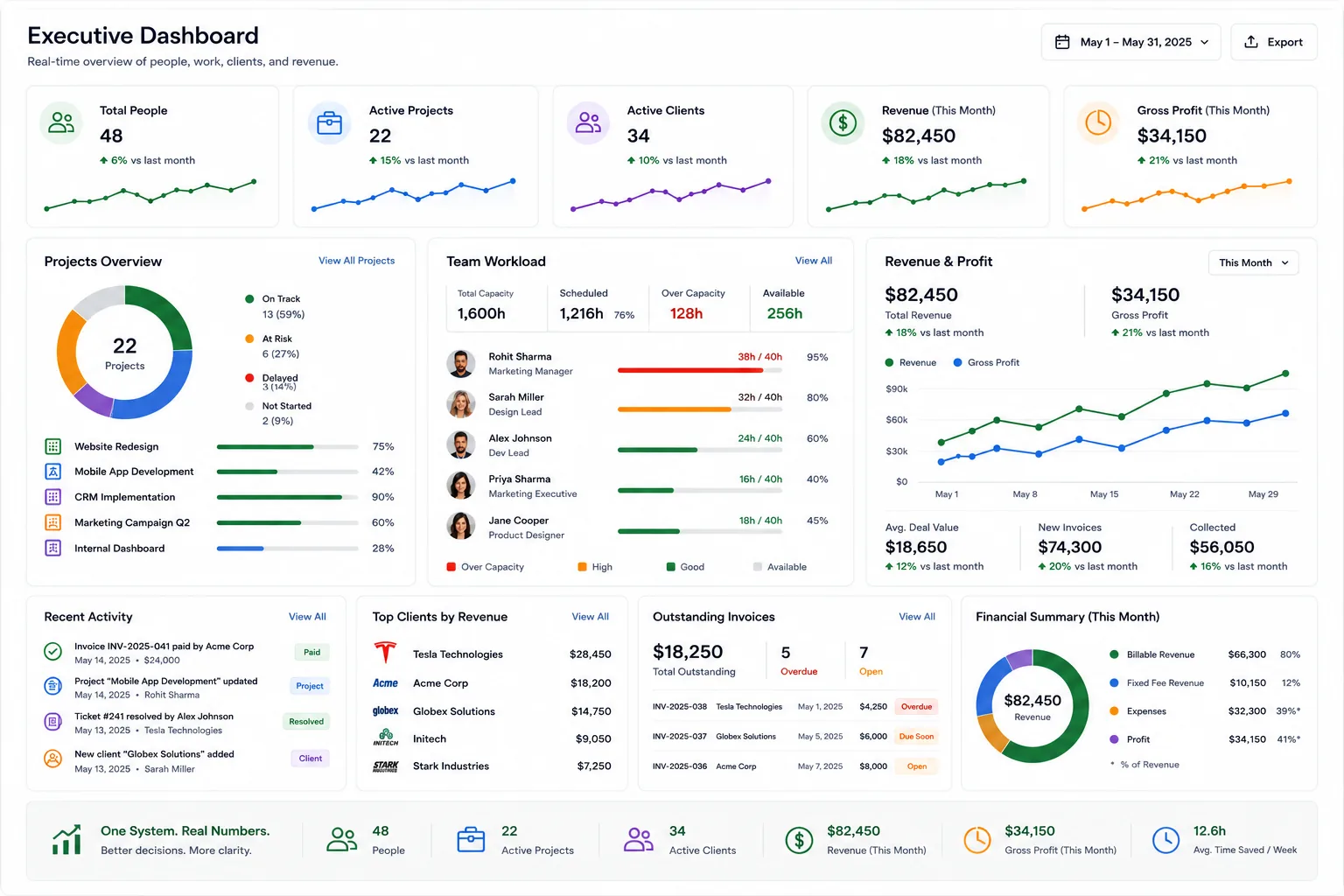
Dashboards turn people, projects, and clients into real numbers you can decide on.
Instead of: leadership makes decisions based on assumptions rather than operational data.
-
People, work, clients, and revenue live in one system. A single source of truth.
Instead of: business data is fragmented across multiple disconnected systems.
-
Everything in one place means less tool-switching and less lost context.
Instead of: employees constantly switch between tools to get their daily work done.
-
When operations run themselves, founders get their time back to grow the business.
Instead of: founders spend too much time coordinating operations instead of growing.