Support tickets & helpdesk

Helpdesk & Support Tickets, Connected to Your Team

Let clients raise tickets, triage them through your own statuses with SLA tracking, and assign work straight to the team — the support layer of the CrewForge ERP.

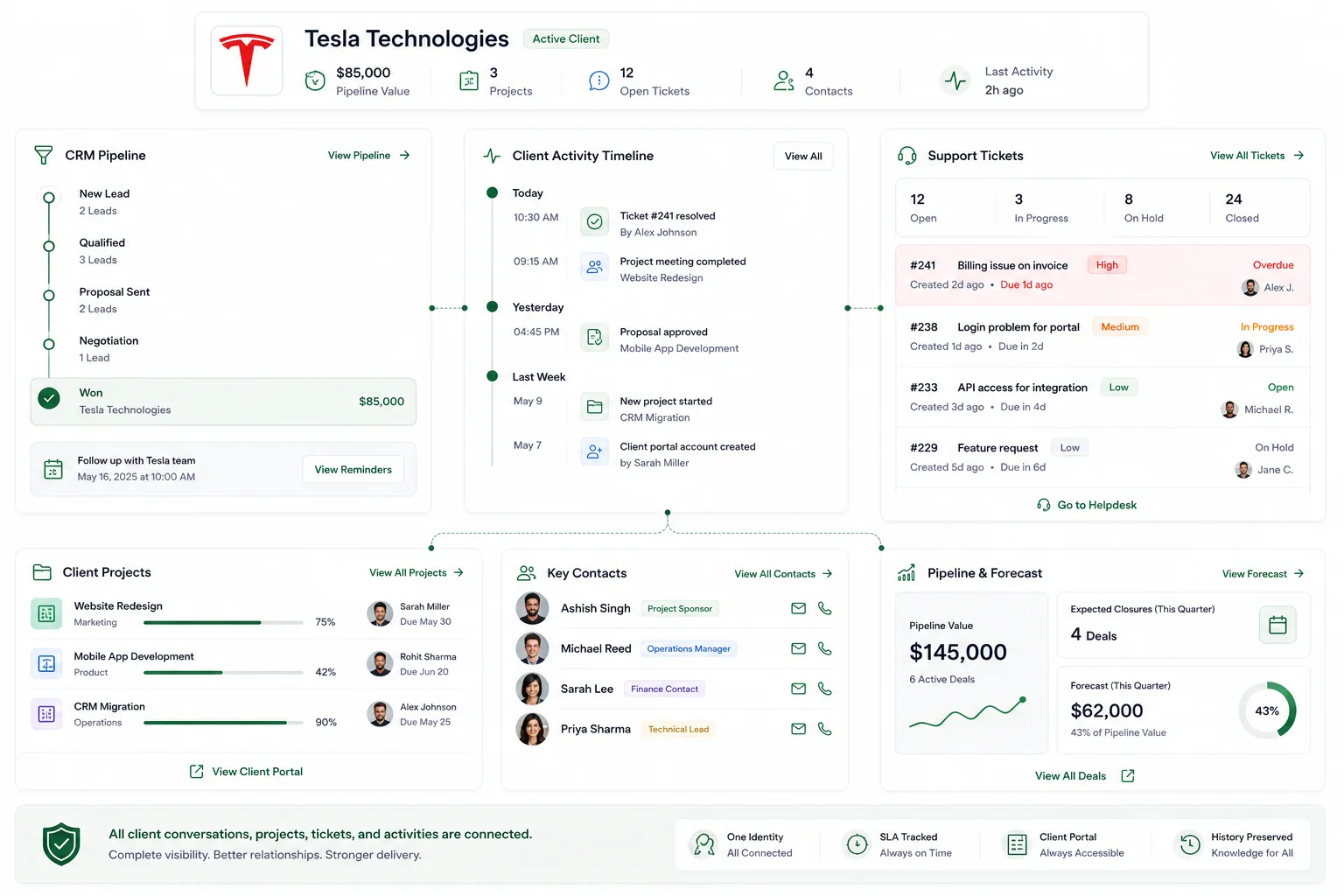
Triage and resolve with SLAs in view

CrewForge gives every ticket a category, status, and SLA so nothing slips. The team moves tickets through your workflow, escalates when needed, and tracks first response and resolution times.

  • Configurable categories, statuses, and priorities
  • SLA due dates with breach and escalation tracking
  • Internal notes kept separate from client replies
  • Attachments and tags on every ticket

A client portal, plus work that lands on the team

Clients log in to a passwordless portal to raise and follow tickets. Assign a ticket to a teammate and it drops onto their worklog for the day, so support work shows up next to everything else they do.

  • Passwordless client portal for raising and tracking tickets
  • Assign to a teammate and add it to their worklog
  • Tickets connected to the same clients and projects
  • Free for up to 10 employees

Frequently asked questions

Does CrewForge have a helpdesk or ticketing system?

Yes. CrewForge includes support ticketing with categories, statuses, SLA tracking, escalation, and a public client portal — all inside the same ERP as your team and projects.

Can clients raise their own tickets?

Yes. Clients use a passwordless portal (login by emailed code) to raise tickets and follow their status, while internal notes stay hidden from them.

Does CrewForge track SLAs?

Yes. Each ticket carries an SLA due date based on its category, and CrewForge tracks first response, resolution, breaches, and escalations.

How does support work connect to the rest of the team?

Assigning a ticket to a teammate drops it onto their daily worklog, so support sits alongside their project and sprint work in one place.

Run your software company with CrewForge

Free for up to 10 employees. No credit card required.